
Curtain e-locker DLP
Enterprise Security Solutions
Screen Watermark - FREE!
computer's screen
File Activity Monitoring
FREE!

Learn the new dimension of Data Loss Prevention

User friendly Interface

Support over 500 applications & keep on growing

Immense protection with ease
Products
Curtain e-locker – a comprehensive Data Loss Prevention system
In today’s digital environment, employees routinely work with various data files and documents, such as Purchase Orders, Business Contracts, Design Drawings, Financial Reports and CCTV footage, generated and stored electronically.
One of the biggest challenges companies’ faces is to monitor how the information is being used. The main issue is once users are granted access rights to electronic information, in a sense, they “own” the use of data, which increases the risk of unintentional leaks through various channels such as email, the internet, USB drives, and more. There is also the potential for misuse or unlawful exploitation of this information.
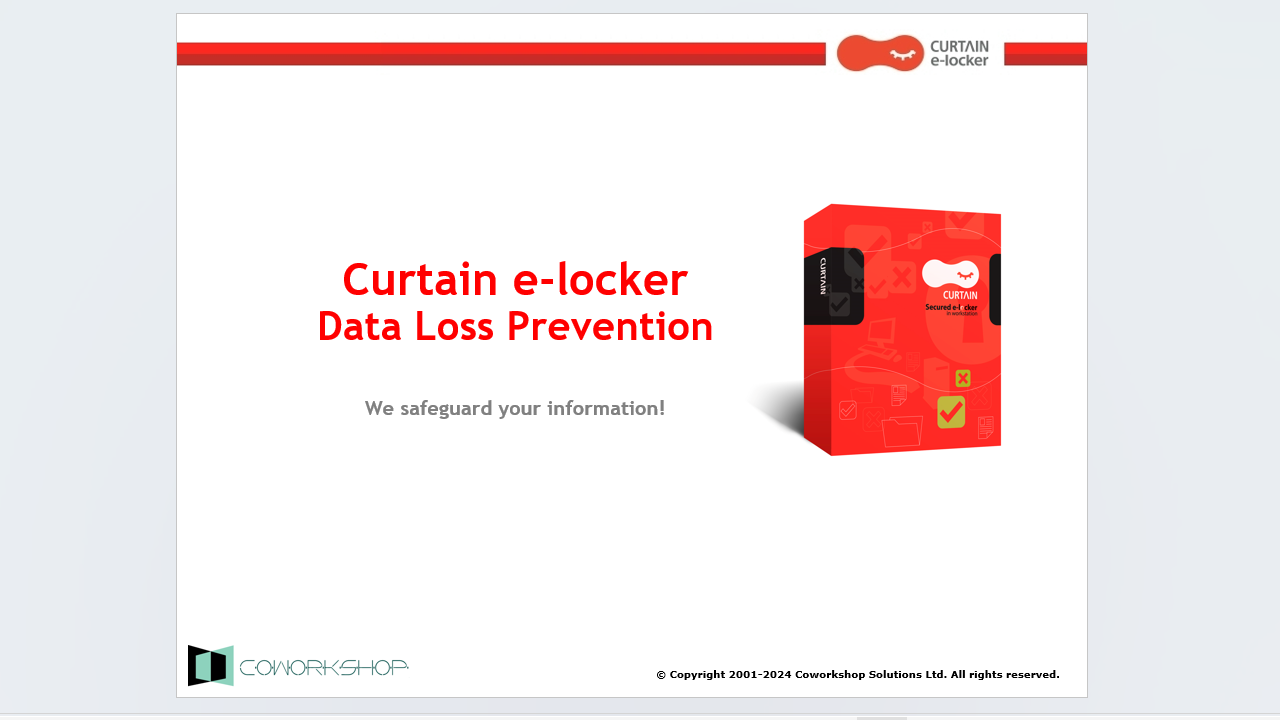
Curtain e-locker – a DLP – Data Loss Prevention solution, addresses this issue by effectively preventing the unauthorized leakage and misuse of confidential information across any outgoing channels. By integrating Curtain e-locker, companies can allow users to work with data, document and information just as they normally do and also enable authorized users with access to sensitive files while maintaining control over their dissemination. This means that the data is effectively protected from unauthorized access and also potential leaks.

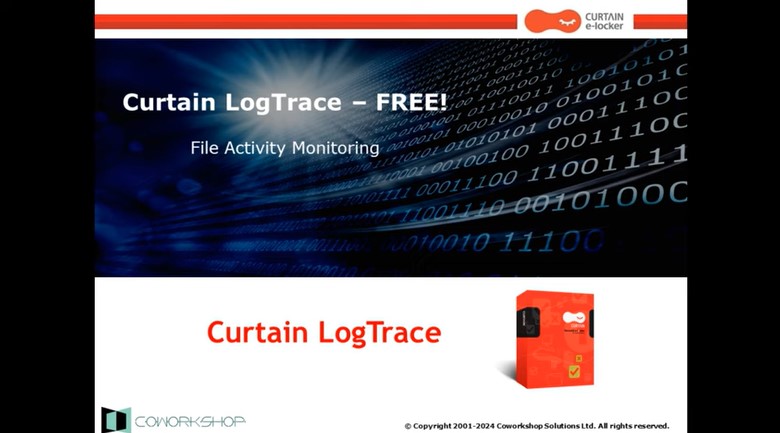
Curtain LogTrace – File Activity Transparency at Your Fingertips!
In the daily work environment, companies often need to authorize their employees to access and use sensitive company data. However, most companies lack visibility into how their employees are actually utilizing this data, and whether any misuse is occurring. At the same time, companies have to meet internal audit requirements and comply with various data security regulations and policies. This creates a need for the IT department to find ways to effectively monitor and record how employees are accessing and using the company’s data resources. Additionally, management is seeking proactive security alerts that can detect abnormal user behavior, allowing them to take immediate action to minimize potential risks and damages to the organization.
While Windows does have built-in logging capabilities, these logs can be difficult to read and interpret. Furthermore, the logs are stored locally on individual user machines, making it challenging for administrators to centrally review and analyze user activity records. There are enterprise-grade solutions like SIEM (Security Information and Event Management) systems that provide comprehensive user activity monitoring and reporting. However, these sophisticated tools can be cost-prohibitive, especially for small to medium-sized businesses.
The key security challenge lies in finding a simple, user-friendly and cost-effective logging solution that can satisfy the company’s requirements for visibility into employee file activities, compliance reporting, and proactive security monitoring – all within a centralized platform accessible to IT and management.
Curtain LogTrace is the solution. With Curtain LogTrace, it helps companies to record, identify and keep a thorough log of user file activities, includes File creation, Copying, Moving, Renaming, Deleting, Printing, and inserting and removing USB devices, among others. The solution makes it easier for IT administrators to monitor document operations of users and keep an eye on recognizing and recording abnormal document usage behaviour, which in turn enabling company management to respond quickly to protect company data; and support potential security incidents.
Curtain MonGuard – a handy tool to display Screen-watermark
You might have discovered and heard that some sensitive CCTV materials were released to the public by insiders via mobile phone recording. Or, some confidential documents were snapped by mobile phones and distributed to unauthorised individuals, causing data breach.
Users have access to and work with sensitive files on a daily basis. Companies, on the other hand, find it difficult to prevent users from snapping photos/videos against a computer’s screen while viewing sensitive information. However, one often-overlooked strategy for enhancing data security is the implementation of screen watermarks.
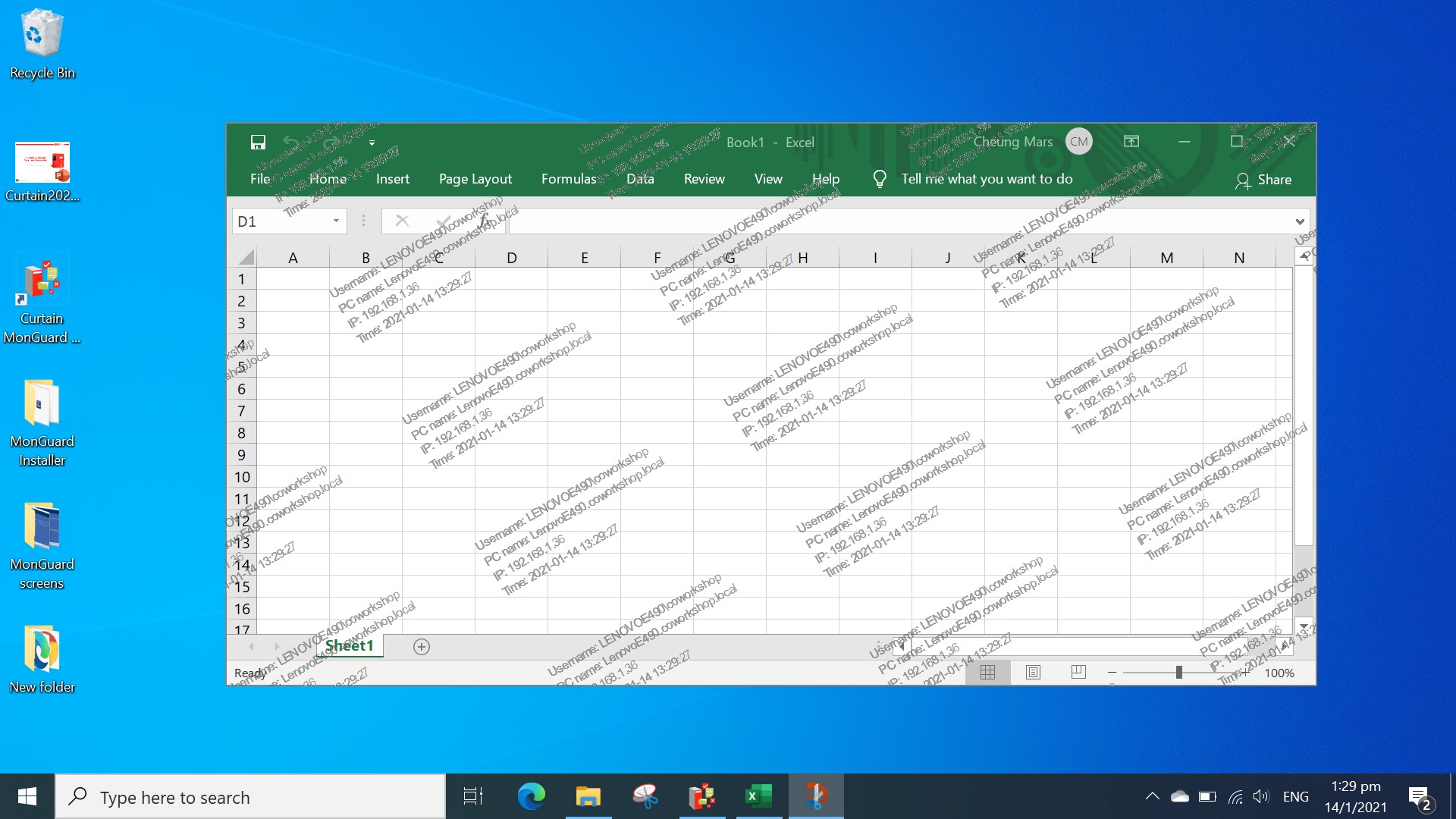
Curtain MonGuard enables companies to strengthen this area of security control by screen watermarking. By displaying a watermark on users’ screens, it can include user details such as the username, computer name and IP address. It would effectively draw the user’s attention before they take a screenshot and share the information with others. The watermarks can serve as a crucial deterrent against unauthorized screen captures and the public dissemination of sensitive company information.
Demo Movies
Other Movies
-
How to setup e-locker protection for File Servers (14:26)
-
How Curtain e-locker protects SolidWorks EPDM (08:21)
-
How to setup e-locker protection for SolidWorks EPDM (15:35)
-
How Curtain e-locker protects CCTV (12:35)
-
Curtain e-locker Overview Demo (Cantonese 08:17)
-
How to setup e-locker protection for File Servers (Cantonese 18:17)
-
Visit our YouTube channel for more demo movies
Other Movies
-
How to setup e-locker protection for File Servers (14:26)
-
How Curtain e-locker protects SolidWorks EPDM (08:21)
-
How to setup e-locker protection for SolidWorks EPDM (15:35)
-
How Curtain e-locker protects CCTV (12:35)
-
Curtain e-locker Overview Demo (Cantonese 08:17)
-
How to setup e-locker protection for File Servers (Cantonese 18:17)
-
Visit our YouTube channel for more demo movies
Features
Curtain e-locker |
Curtain LogTrace(FREE) |
Curtain LogTrace(Paid version) |
Curtain MonGuard(FREE) |
Curtain MonGuard(Paid version) |
|
|---|---|---|---|---|---|
Price |
|||||
Objective |
All-round Data Loss Prevention Solution |
Log the file activities |
Log the file activities |
Prevent data leak through computer’s screen |
Prevent data leak through computer’s screen |
Control unauthorized saving / printing / sending file out |
√ | ||||
Control unauthorized Print Screen / Copy-n-paste |
√ | ||||
On-screen watermark |
√ | √ | √ | ||
Self-defined content of screen-watermark |
√ | √ | √ | ||
|
– Static message |
√ | √ | √ | ||
|
– Date/Time |
√ | √ | √ | ||
|
– Computer name |
√ | √ | √ | ||
|
– Username |
√ | √ | |||
|
– IP address |
√ | √ | |||
Full screen-watermark |
√ | √ | √ | ||
Application screen-watermark |
√ | √ | √ | ||
Screen-watermark by condition |
√ | √ | √ | ||
Integration with Active Directory |
√ | √ | √ | √ | √ |
Password management |
√ | √ | √ | ||
Uninstall password for client |
√ | √ | √ | ||
Self protection for the software |
√ | √ | √ | √ | √ |
Central administration |
√ | √ | √ | √ | √ |
Curtain Admin delegation |
√ | √ | √ | ||
Support MSI bulk installation |
√ | √ | √ | ||
Online/Offline Protection |
√ | ||||
Secure generation of PDF file |
√ | ||||
Secure internal file sharing |
√ | ||||
Housekeeping of downloaded files |
√ | ||||
File / Print log |
√ | √ | √ | ||
File operation log |
√ | √ | √ | ||
|
– New |
√ | √ | √ | ||
|
– Copy |
√ | √ | √ | ||
|
– Move |
√ | √ | √ | ||
|
– Delete |
√ | √ | √ | ||
|
– Rename |
√ | √ | |||
|
|
√ | √ | |||
Application log |
√ | √ | |||
|
– Open |
√ | √ | |||
|
– Save |
√ | √ | |||
|
– Save As |
√ | √ | |||
|
– Close |
√ | √ | |||
Database configuration |
√ | √ | |||
|
– Support MySQL |
√ | √ | |||
|
– Support MS SQL |
√ | √ | |||
Watermark for printout |
√ | √ | |||
Snapshot for printout |
√ | ||||
Approval for sending file out |
√ | ||||
Copy-out with declaration |
√ | ||||
Local encrypted drive |
√ | ||||
Specific approver & printer |
√ | ||||
Technical support |
√ | √ | √ | ||
Software updates |
√ | √ | √ |
FAQs
- What is the security challenge for most companies?
- What is the purpose of Curtain e-locker?
- Backend systems (e.g. Windows file server) also have access control. Why do we need Curtain e-locker?
- USB port and Internet access are blocked in my company. Why do we still need Curtain e-locker?
- What is the difference between Curtain e-locker and other solutions in the market?
Our Clients




























Recognitions