

Curtain e-locker can be seamlessly integrated with IBM Lotus Notes database. It could be a tailor-made web-based Lotus Notes system, or standard Lotus Notes template. In this page, we demonstrate how Curtain e-locker works with a web-based Document Library system.
Web-based Document Library (sample)
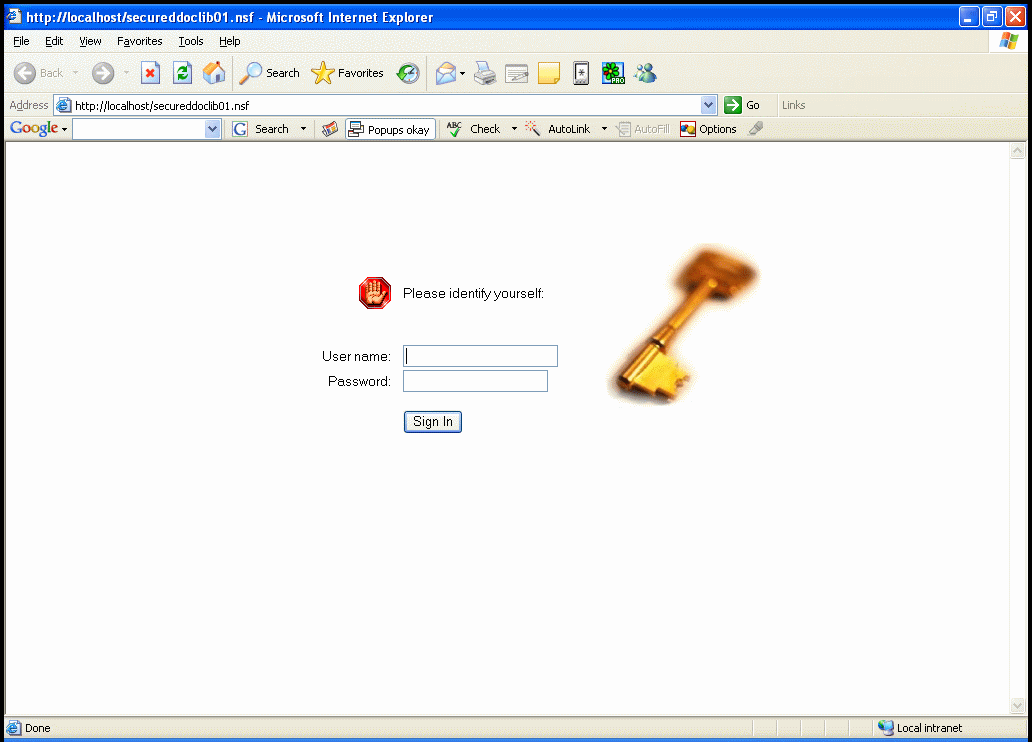
(click on image to enlarge)
This example demonstrates how Curtain e-locker works with a web-based Document Library system.
List of Documents
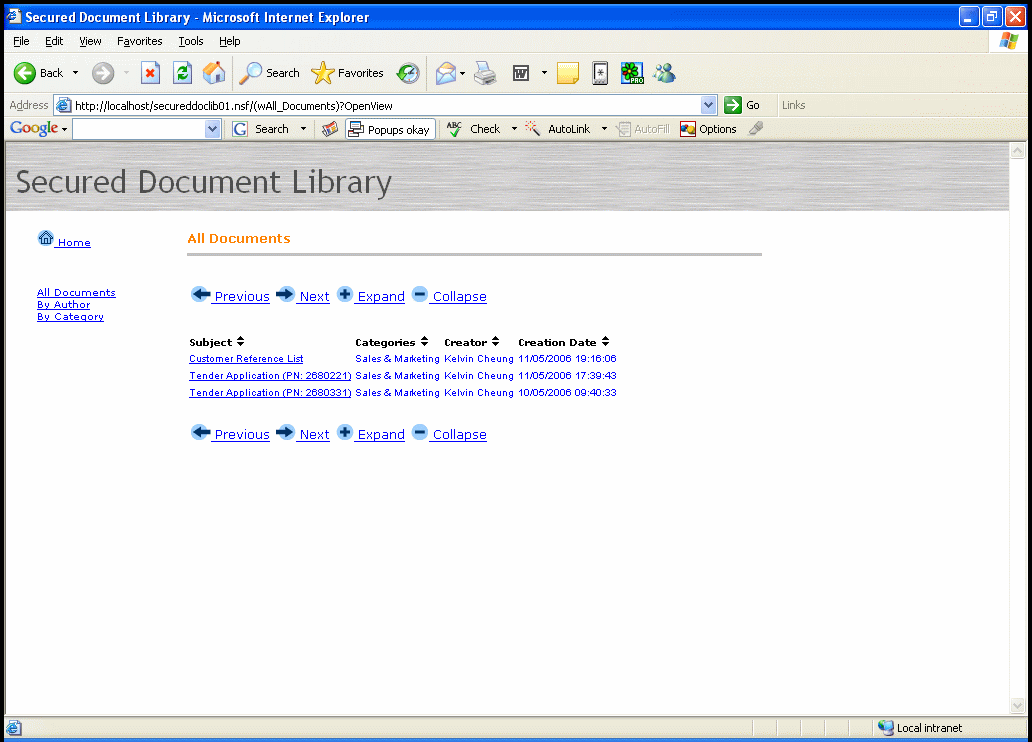
(click on image to enlarge)
User can locate documents by different views.
View File

(click on image to enlarge)
Users click document hyperlink to access attachment stored in the Notes system.
When user click the hyperlink, the system will download the file to “Protected Directory” in user’s workstation and launch the file automatically.
Read File
(but cannot Save As, Send To, Print)

(click on image to enlarge)
User can do anything to the file. However, if the user is not authorized to save as, print, or send the file to external sources, related functions are controlled.
Upload File
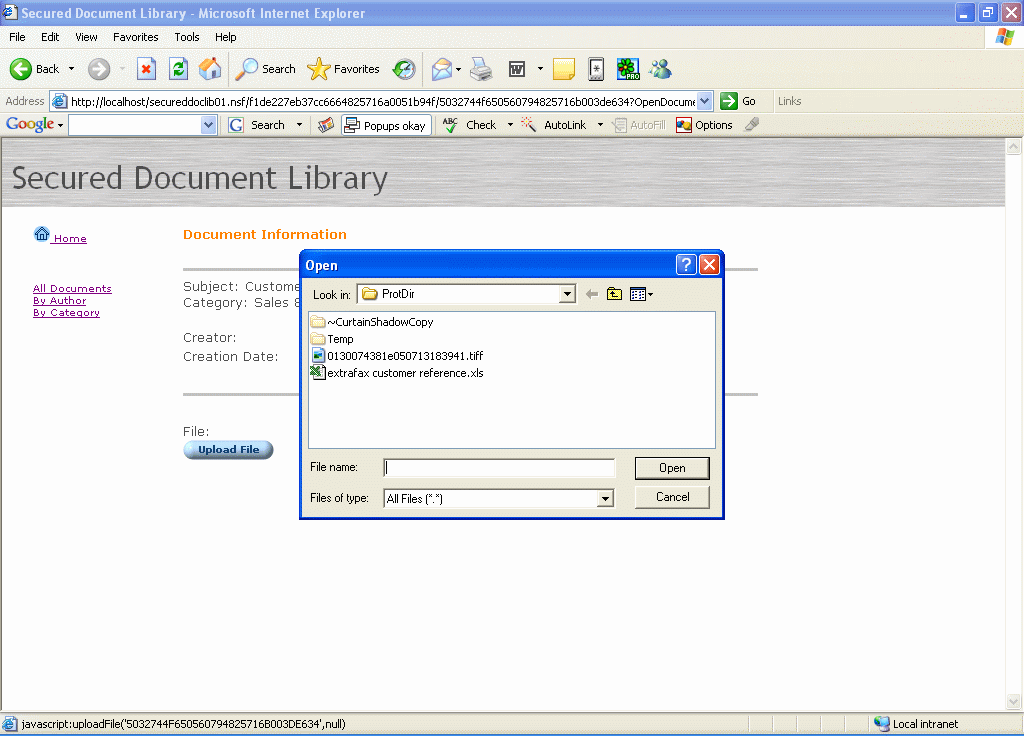
(click on image to enlarge)
Users can click “Upload” button to upload files to the system.